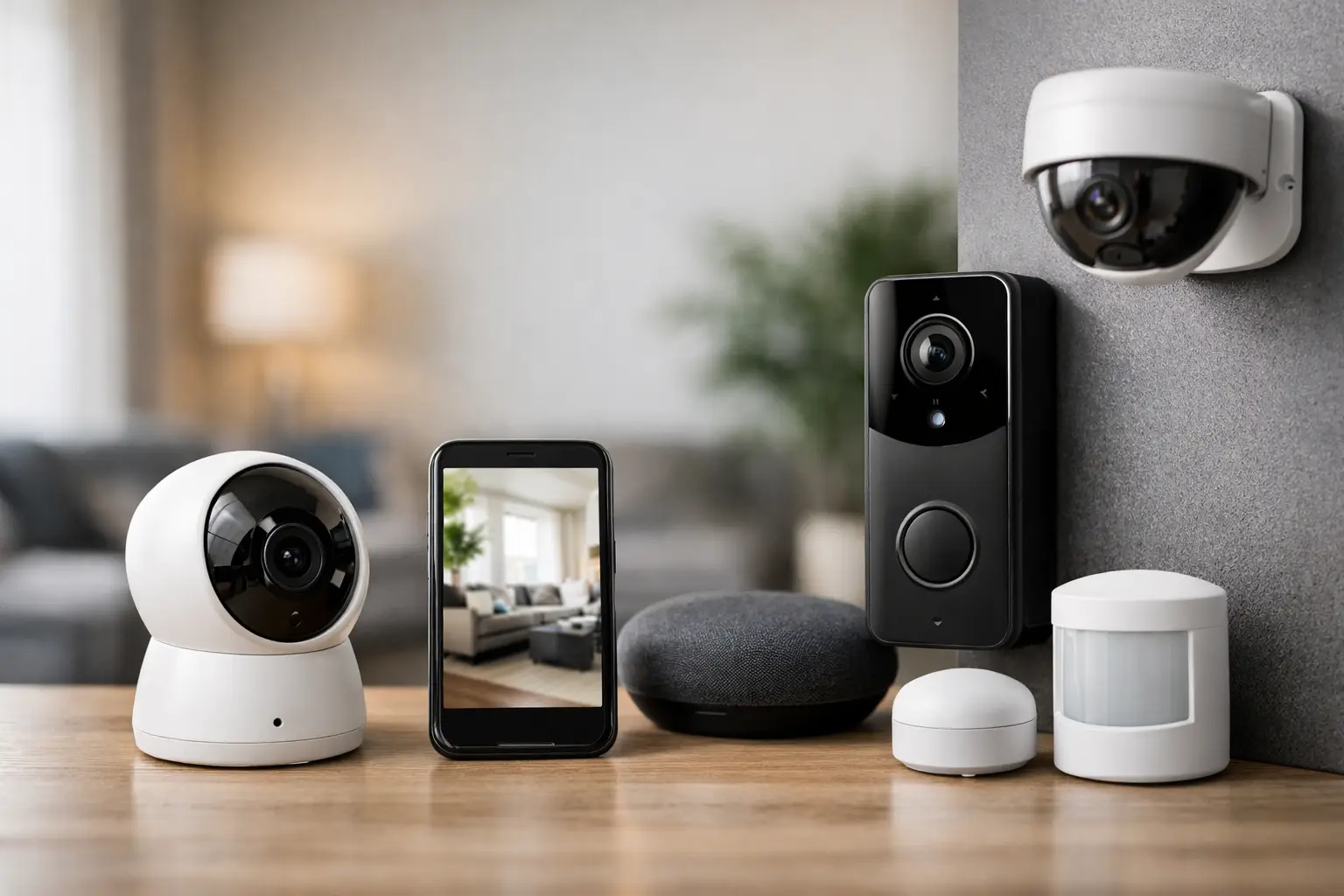
A camera over the front door and a video doorbell might look like a complete system. Then a package disappears from the side porch, the garage is left open overnight, or a motion alert fires every time the neighbor’s cat crosses the yard. That is where home security setups either prove their value or show their gaps.
The best systems are not built around a single device. They are built around visibility, response time, and control. For most US homeowners, that means combining cameras, sensors, smart locks, lighting, and app-based monitoring into one setup that matches the way the property actually works day to day.
What strong home security setups really do
A good setup does more than record footage after something happens. It helps you detect activity earlier, verify what is going on faster, and respond with less friction. That could mean getting a person alert at the driveway before someone reaches the front door, locking a side entry remotely, or having outdoor lights trigger when motion is detected near the fence line.
This is where modern systems clearly outperform older alarm-only models. Traditional security often depends on a door opening, a glass break sensor firing, or a central alarm panel being armed correctly. Smarter home security setups can layer AI detection, automation, and live visibility on top of those basics. The result is less guesswork and fewer blind spots.
That said, more technology does not automatically mean better protection. A larger system can create alert fatigue if it is not configured well. Too many notifications, poor camera placement, and devices spread across multiple apps can make a house feel harder to manage, not easier.
Start with your real risk points, not your wish list
Most homeowners do not need enterprise-level coverage. They need the right coverage in the right places. Before buying anything, walk the property the way someone unfamiliar with your home would approach it.
Look at the obvious entry points first. Front door, back door, first-floor windows, basement access, garage service door, and sliding doors should be high on the list. Then think about lower-visibility areas. Side yards, rear gates, detached garages, and dark corners near fences often matter more than homeowners expect because they give people time and cover.
Inside the house, focus on pathways rather than trying to watch every room. If a person enters through a vulnerable point, where would they move next? A hallway, mudroom, kitchen entry, or the door from the garage into the house may deserve more attention than a random spare bedroom.
This is also where lifestyle matters. A family with kids coming home from school may prioritize smart locks, activity logs, and front entry cameras. A frequent traveler may care more about remote monitoring, package visibility, and indoor check-ins. A homeowner with pets will need motion settings and camera zones tuned carefully to avoid constant false alerts.
The core devices most setups need
For most homes, the foundation starts with outdoor cameras, entry sensors, and smart locks. Outdoor cameras should cover the front door, driveway, and backyard or rear access point. If the property has a garage facing the street, that area deserves its own view because it often captures vehicle activity, deliveries, and approach patterns.
Door and window sensors still matter, even in more advanced systems. They provide immediate status changes that cameras alone cannot always confirm cleanly. If a door opens at an unusual hour, that alert is direct and actionable.
Smart locks add more than convenience. They reduce uncertainty. You can confirm whether a door is locked, assign codes, review access history, and avoid hidden key habits that weaken security. For households with cleaners, dog walkers, teens, or short-term visitors, that control becomes especially valuable.
Video doorbells are useful, but they are not a complete perimeter strategy. They are strongest at managing front-door traffic, screening visitors, and documenting package activity. They are weaker when used as the only outdoor camera, especially on larger lots or homes with multiple approaches.
Indoor cameras can help, but placement should be selective. Many homeowners want one near the main entry path, one near the garage entry, or one covering a central common area while away. Fewer well-placed indoor cameras are usually better than covering every corner of the house.
Why AI changes the quality of protection
AI is not just a marketing layer when it is done well. It changes how signals are filtered and how quickly you understand a situation. Instead of a generic motion alert, you may get a person, vehicle, animal, or package alert. That distinction matters because it helps you decide what deserves immediate attention.
The practical benefit is simple. Better classification means fewer pointless interruptions and faster response to events that actually matter. If your phone goes off ten times a day for harmless movement, you start ignoring it. If it only alerts when a person enters a defined zone near the garage at 11:30 p.m., that alert carries weight.
There are trade-offs. AI detection quality varies by brand, camera angle, lighting, and subscription tier. Some systems process more accurately in daylight than at night. Others perform well for front-yard activity but struggle with street traffic spilling into the frame. This is why placement and zone setup matter as much as the feature list.
Integration matters more than most homeowners expect
One of the biggest weaknesses in many home security setups is fragmentation. A doorbell app, a separate lock app, another app for lights, and a different one for cameras can still work, but it adds delay and mental overhead.
A more effective setup creates simple chains of action. When a door unlocks, the entry light turns on. When a camera detects a person in a late-night perimeter zone, floodlights activate. When everyone leaves home, the system arms automatically and confirms which doors remain open.
This is where smart home compatibility becomes a real security feature, not just a convenience feature. Integration reduces the number of steps between detection and action. It also makes the system easier to trust because you are not juggling disconnected tools when something needs attention quickly.
Still, a fully integrated system is not always the right answer if it forces compromises on camera quality or lock reliability. Sometimes the better move is to accept one extra app in exchange for a stronger device in a critical location.
Placement and configuration decide whether the system works
Even great hardware underperforms when it is placed poorly. A front camera mounted too high may capture the tops of heads instead of faces. A driveway camera pointed too wide may miss details you need. An indoor motion sensor facing a sunny window may behave unpredictably.
Aim cameras to capture approach paths, not just broad scenery. Protect the areas where someone slows down, reaches for a handle, opens a gate, or crosses from public space into private space. Use activity zones aggressively, especially in neighborhoods with regular vehicle traffic or sidewalk movement.
Lighting also changes outcomes. Low-light performance varies widely, and even strong night vision can struggle with deep shadows or backlighting. A modest improvement in porch, driveway, or side-yard lighting can improve video quality as much as an expensive device upgrade.
Wi-Fi strength is another make-or-break factor. Many homeowners blame the camera when the real problem is a weak signal through brick, stucco, metal garage framing, or long outdoor distances. If a critical area has unreliable connectivity, fix the network before assuming the device is the problem.
What to avoid when building a setup
The most common mistake is buying based on popularity instead of property fit. A highly rated device may be perfect for a townhouse and frustrating on a larger suburban lot. Another mistake is over-indexing on visible front-door coverage while leaving side access, backyard entries, and the garage underprotected.
There is also a tendency to chase every feature at once. Two-way talk, facial recognition, package alerts, built-in sirens, automation rules, and cloud storage all sound useful, but not every feature deserves equal weight. Reliability, speed, and useful alerts should come first.
Subscription costs deserve attention too. Some systems are affordable upfront but become expensive once you add cloud video retention, AI classification, professional monitoring, or multi-camera support. For some homeowners, that ongoing cost is worth it. For others, local storage or a hybrid setup may be a better long-term fit.
Build for the way you live now
The smartest setup is the one your household will actually use. That means easy lock management, alerts that are worth opening, camera views that answer real questions, and automation that reduces friction instead of adding complexity. If your current system makes you second-guess whether the back door is locked or whether that alert matters, it is not doing enough.
At TheAIHomeSafe, we see the strongest results when homeowners treat security as a connected system rather than a stack of gadgets. Start with your vulnerable zones, choose devices that work well together, and let AI improve judgment instead of adding noise. A well-planned setup does not just help you record problems. It helps you stay a step ahead of them.